Firearm Safety: SecureFire’s Personalized Authentication

Info
My role
UX/UI Designer responsible for the overall design and user experience of the app.
Team
1 Engineers, 1 QA, and myself.
Delivery date
October 2024
Background
SecureFire needed a next-gen solution for firearm safety, prioritizing control and security through a Bluetooth-enabled app. The goal was to allow only authorized users to operate firearms while providing flexibility for emergency access, theft prevention, and child safety. Current alternatives, like biometric safes and trigger locks, required behavioral changes that were not always practical. This app was designed to offer seamless, on-demand security and access management directly on users’ mobile devices.


Process
Research and planning
We analyzed major safety concerns, such as unauthorized access by children, firearm theft, and gun grabs in law enforcement scenarios. Data showed significant demand for a solution that allowed only authenticated users to operate firearms, with survey results revealing that 44% of law enforcement professionals expressed interest in personalized guns. This research emphasized the need for an easy-to-use app that could support multiple firearms and offer personalized safety configurations.
Design and Prototyping
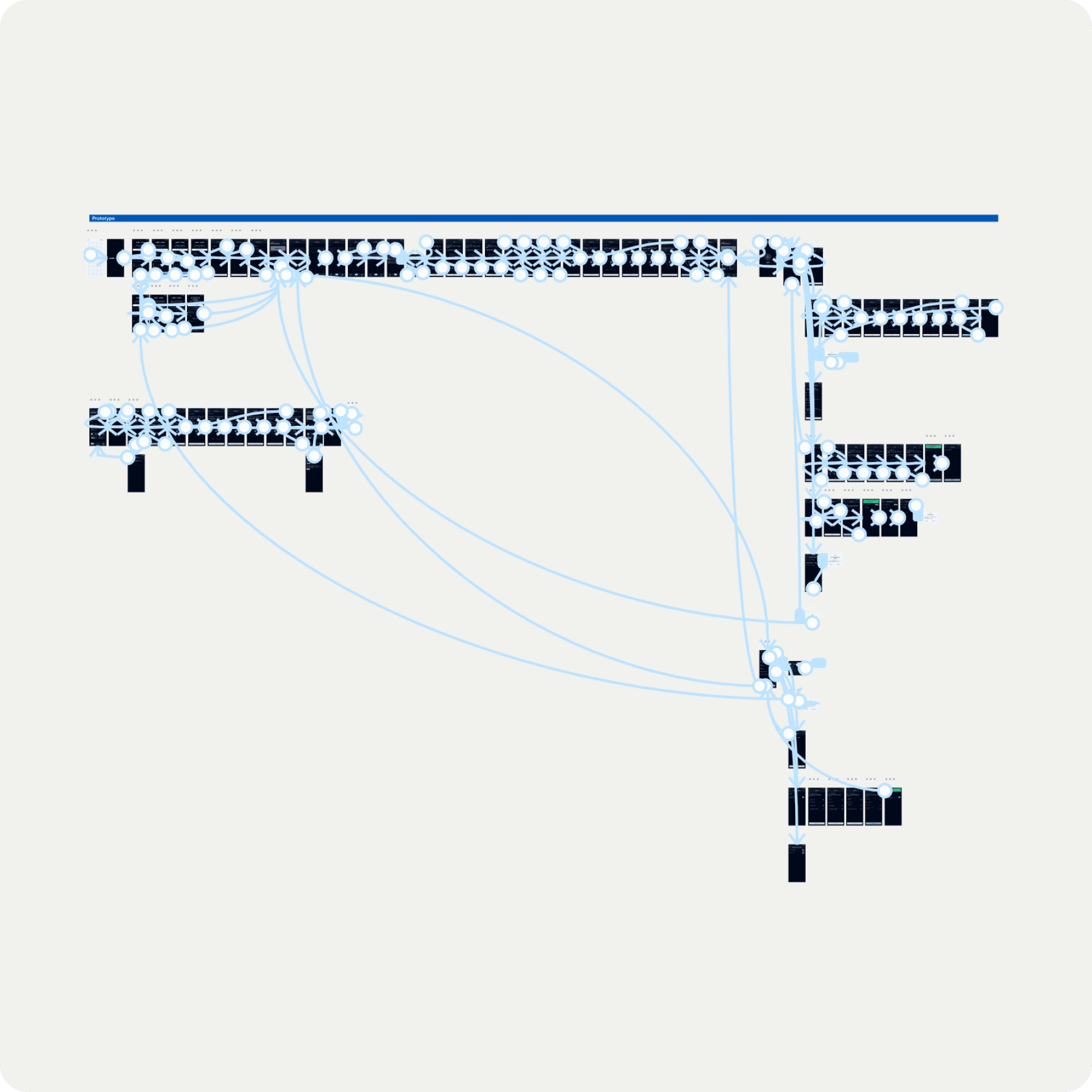
Initial designs centered on a Bluetooth-connected app with proximity-based locking, fingerprint recognition, and multi-user access. The app would let users manage multiple firearms in one place, with safety settings like auto-lock on low battery and customizable access control. Prototyping sessions tested usability, focusing on ensuring smooth setup, intuitive control, and reliable locking/unlocking based on user preferences.

Solution
Proximity Locking
Automatically locks the firearm when it exceeds a set distance from the user's phone. This prevents unauthorized use if the firearm is stolen, instantly disabling it beyond a specific range.
Multi-Fingerprint Recognition
Allows multiple fingerprints to be registered for each firearm, enabling the owner to set specific hand and finger access for invited users or family members, granting access only to trusted individuals.
Safety Preferences
Customizable safety options, such as automatic locking when the gun is out of range or on low battery, ensuring security even if the firearm is misplaced or drained of power.
Multi-Device Management
The app supports multiple firearms, providing centralized control for users who need to manage access to several firearms across various users.


Results
Reduced Unauthorized Usage
The app’s advanced security features are projected to reduce incidents of unauthorized use by 15%, addressing key safety concerns for users.
Enhanced User Confidence
87% of users reported feeling more secure with the app’s proximity-based controls and fingerprint-based access, as they could trust the firearm was only accessible to authorized users.